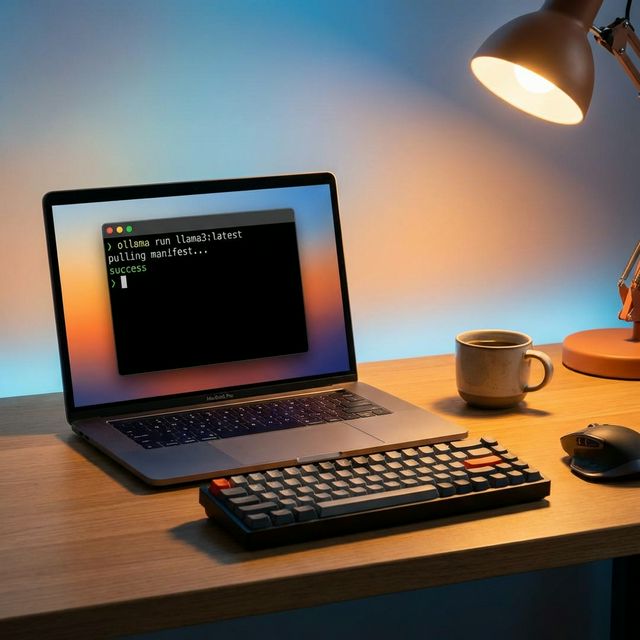
How to Run Llama 3 Locally with Ollama — Step-by-Step
Running a large language model on your own machine used to require a PhD-level understanding of Python environments, CUDA drivers, and model weight formats. Not anymore. Ollama changed the game by making local LLM deployment as simple as running a single command.
I've been running local models for client projects where data privacy is non-negotiable — insurance underwriting, legal document review, healthcare intake forms. Here's exactly how I set it up, and how you can too.
Step 1: Install Ollama
Head to ollama.com and download the installer for your OS. On macOS, it's a standard .dmg. On Linux, one command does it:
curl -fsSL https://ollama.com/install.sh | shVerify the installation:
ollama --version
# ollama version 0.6.2
Step 2: Pull and Run Llama 3
This is the part that surprises most people. No Python. No pip. No conda. Just:
ollama run llama3:8bOllama downloads the quantized model (about 4.7 GB for the 8B variant), loads it into memory, and drops you into an interactive chat. The first run takes a few minutes depending on your connection. Every subsequent run starts in seconds.
Step 3: Use It as an API
The real power is using Ollama as a local API server. It runs on port 11434 by default:
curl http://localhost:11434/api/generate -d '{
  "model": "llama3:8b",
  "prompt": "Summarize this lease agreement clause: ...",
  "stream": false
}'
This is what makes it production-useful. You can plug this into any application — a document processor, a chatbot, an internal knowledge base — without sending a single byte to a third-party API.
When to Use This Setup
- Regulated industries where data cannot leave your infrastructure (healthcare, finance, legal)
- Development and testing when you don't want to burn API credits iterating on prompts
- Internal tools like code review assistants, documentation generators, or email drafters
- Offline environments — air-gapped networks, field deployments, embedded systems
Hardware Reality Check
Llama 3 8B runs comfortably on a MacBook Pro with 16 GB RAM. For the 70B model, you'll need at least 48 GB of RAM (or a dedicated GPU with 24+ GB VRAM). My recommendation for most teams: start with the 8B model. It handles summarization, classification, and Q&A surprisingly well.
FAQ
Can I run Ollama on Windows?
Yes. Ollama has native Windows support. Download from ollama.com and it runs as a background service. WSL is not required.
How much disk space do I need?
The 8B model is about 4.7 GB. The 70B model is roughly 40 GB. Ollama stores models in ~/.ollama/models by default.
Is Ollama free for commercial use?
Ollama itself is open source (MIT license). The models have their own licenses — Llama 3 requires a Meta community license agreement, which permits most commercial use.
Need help deploying LLMs for your business?
We build production-grade AI agents with self-hosted models. Zero data leakage, full control.
Book a Free SaaS Waste Audit